
Simple, but EFFECTIVE
Because De-Essing shouldn't feel like rocket science.
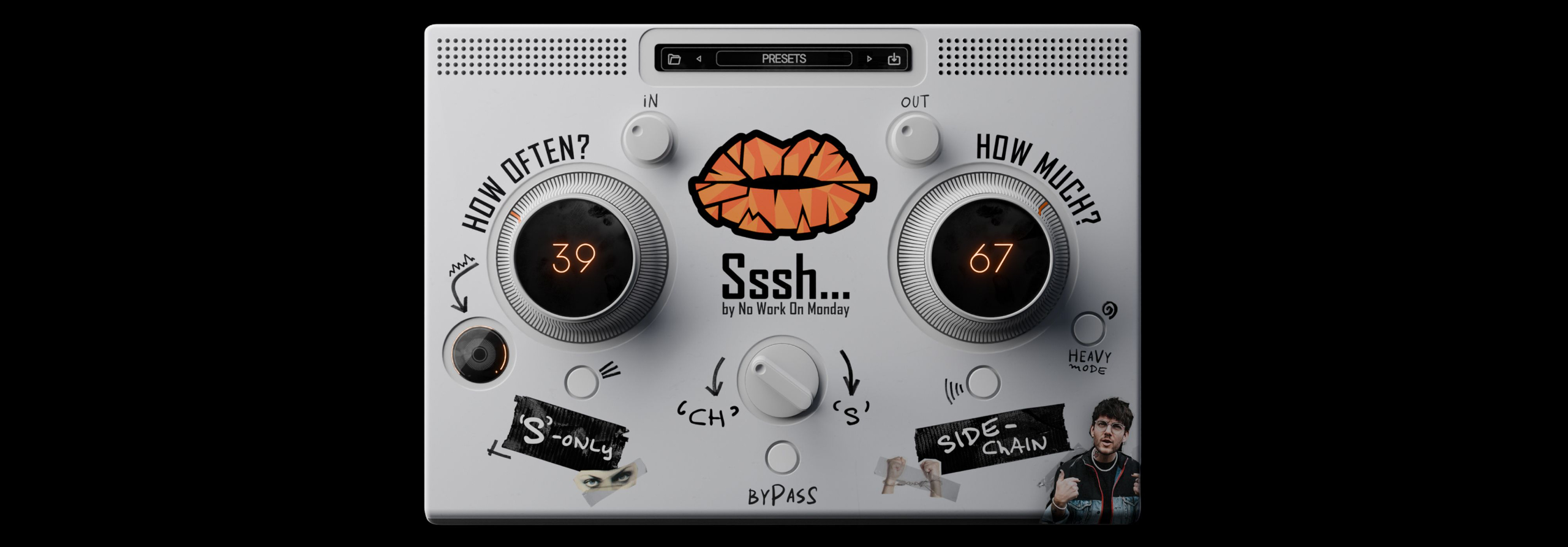
Sibilance is annoying. Fixing it shouldn’t be. Sssh gets straight to the point: accurate, transparent de-essing in seconds.
One knob to RULE THEM ALL
You choose what you want to tame.
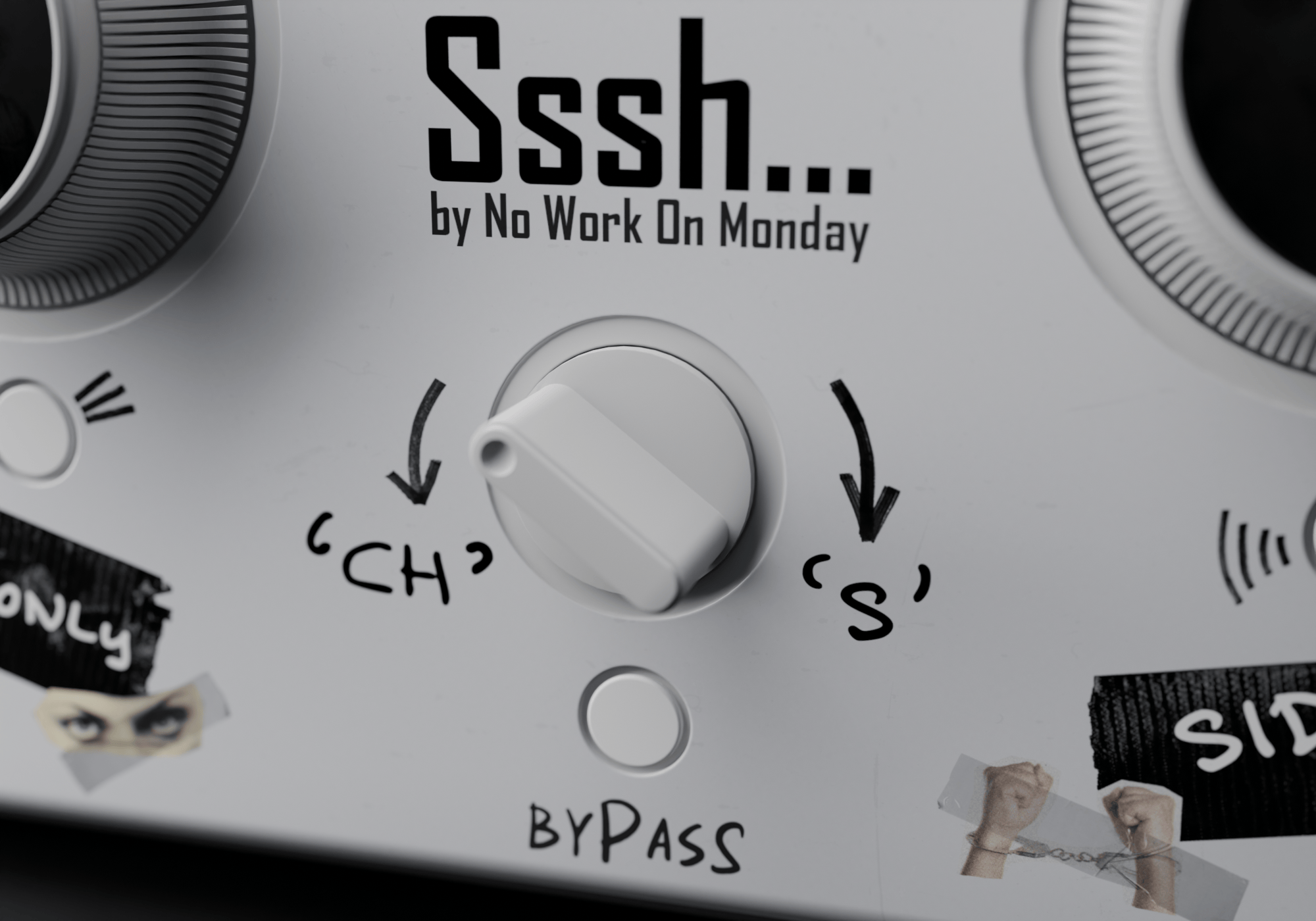
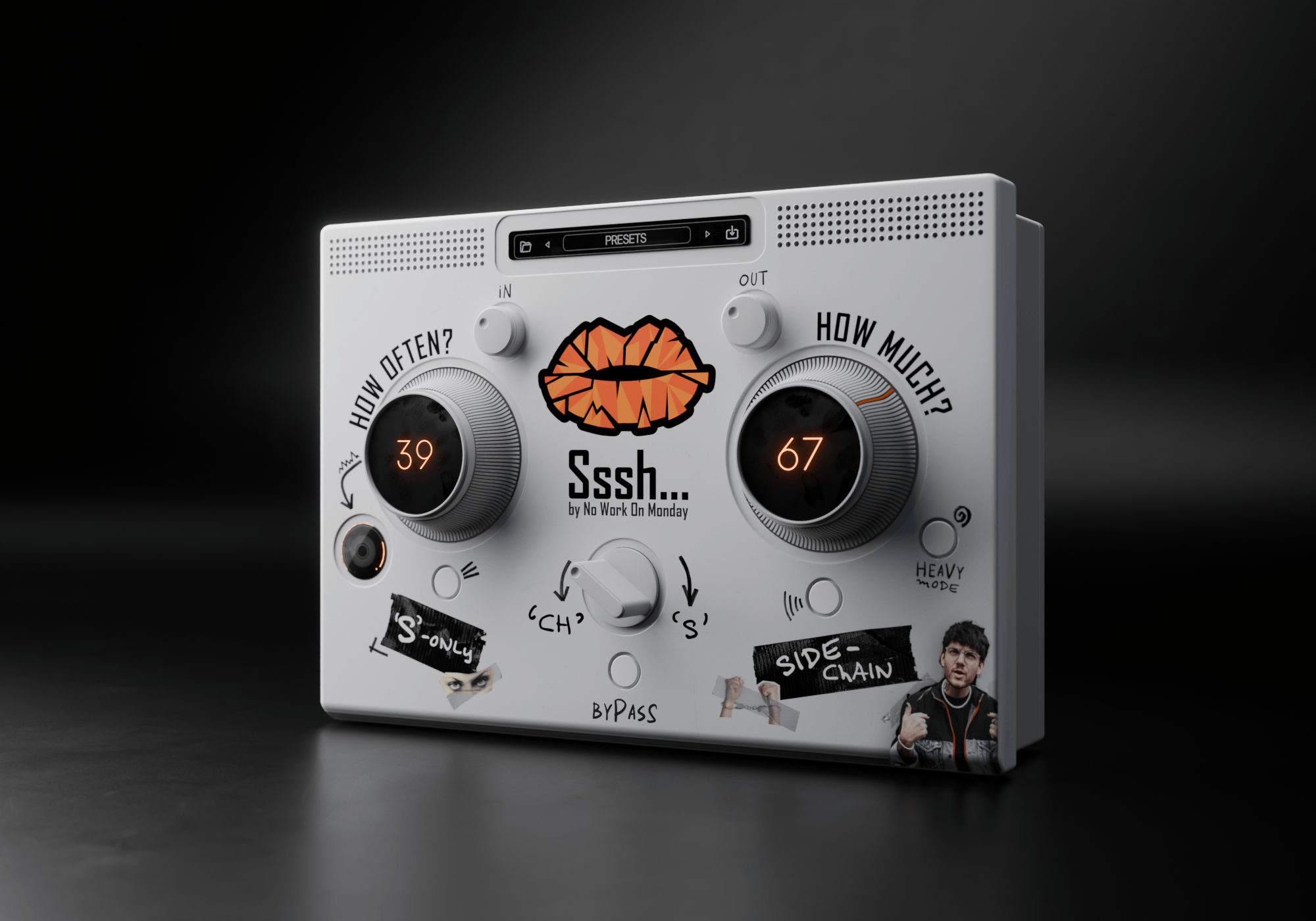
Not every vocal is the same. Sometimes it’s an “S”. Sometimes it’s a “Ch”. Or anything in between. With Sssh, you control what you target with a single knob.
Always ON POINT
Only listen to what the plugin takes away.
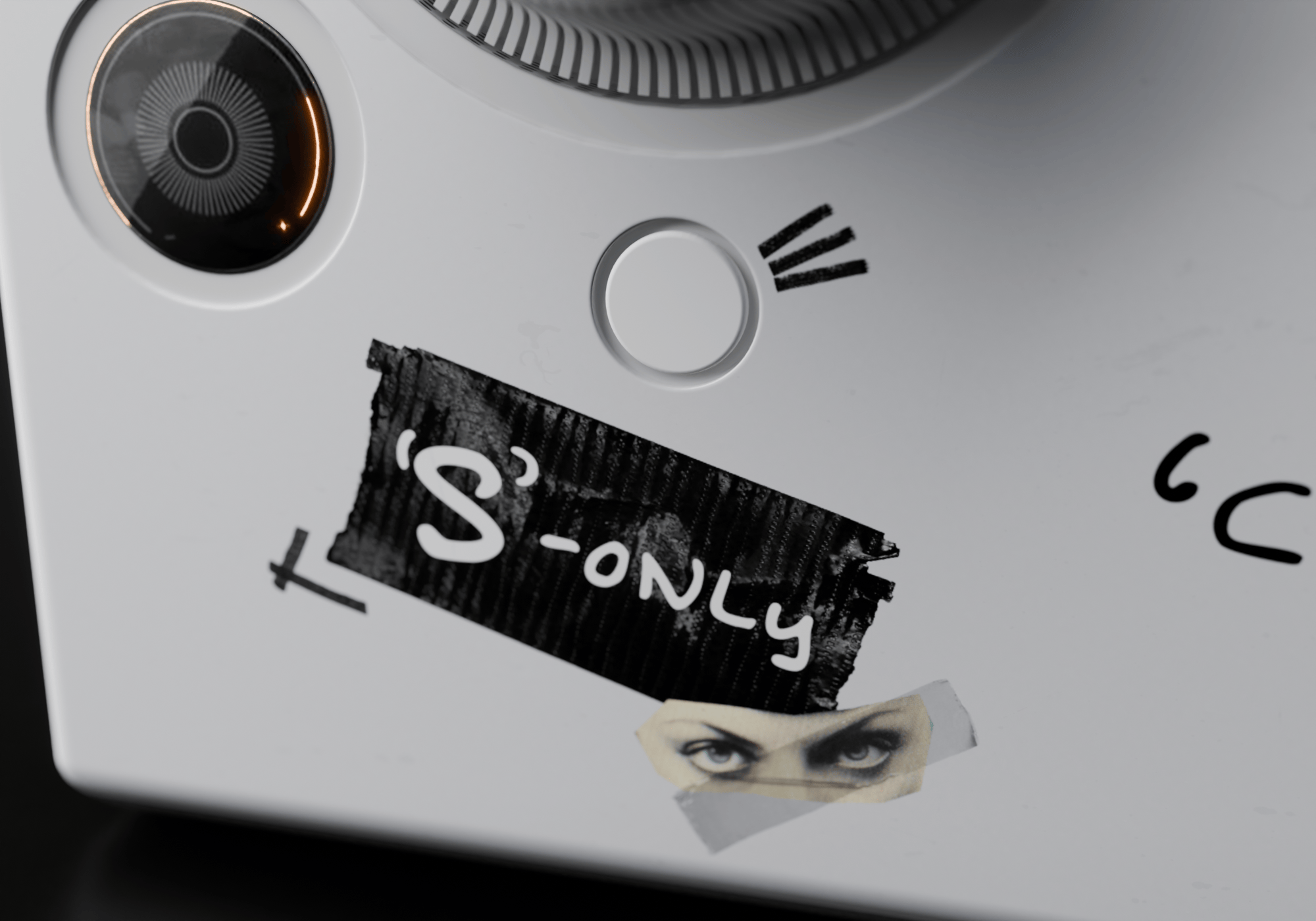
With the help of delta mode you can isolate what the plugin is doing. Use it to make sure that you reduce only sibilance and nothing else.
1 device, 2 FLAVORS
Go as heavy as you like.
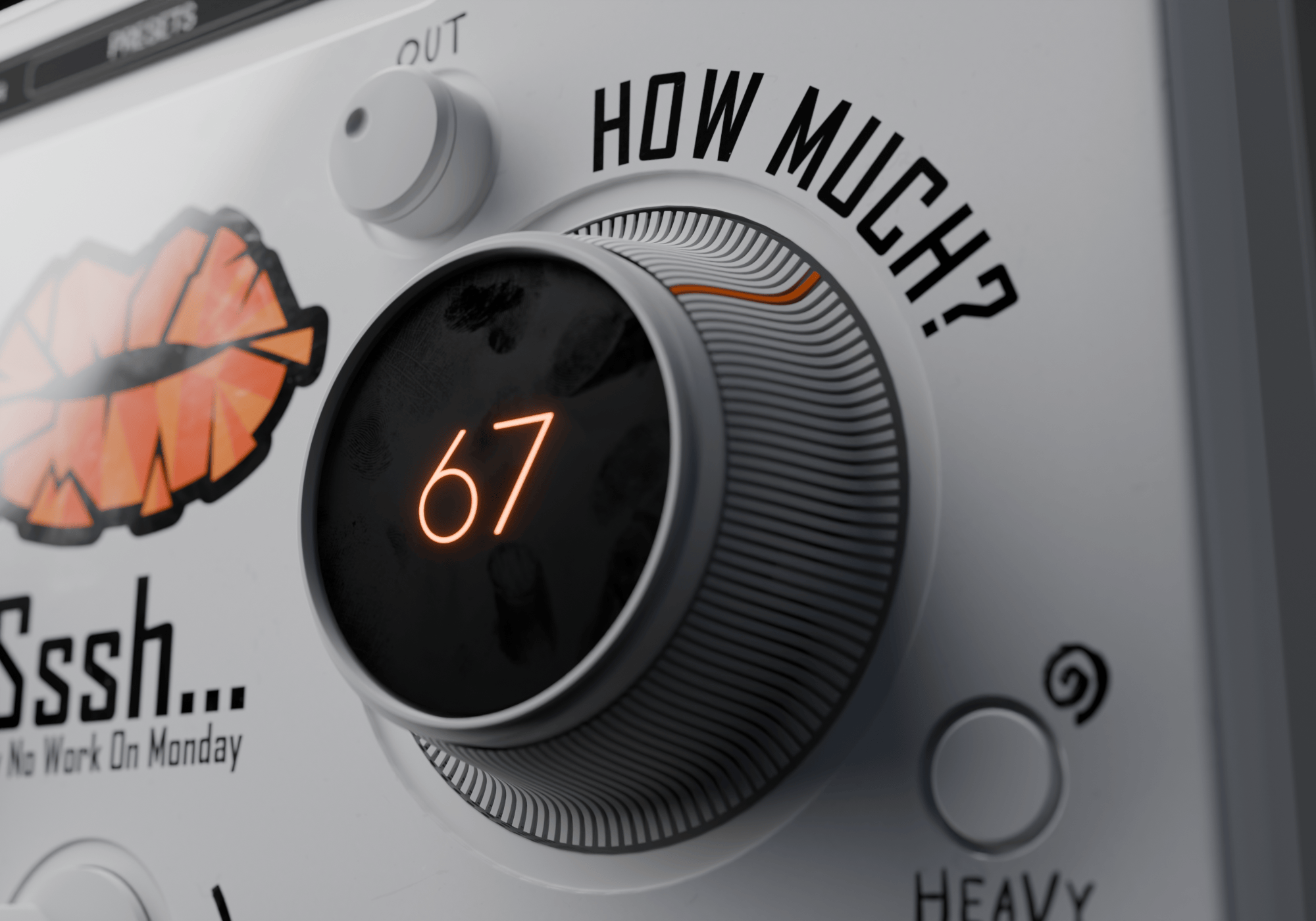
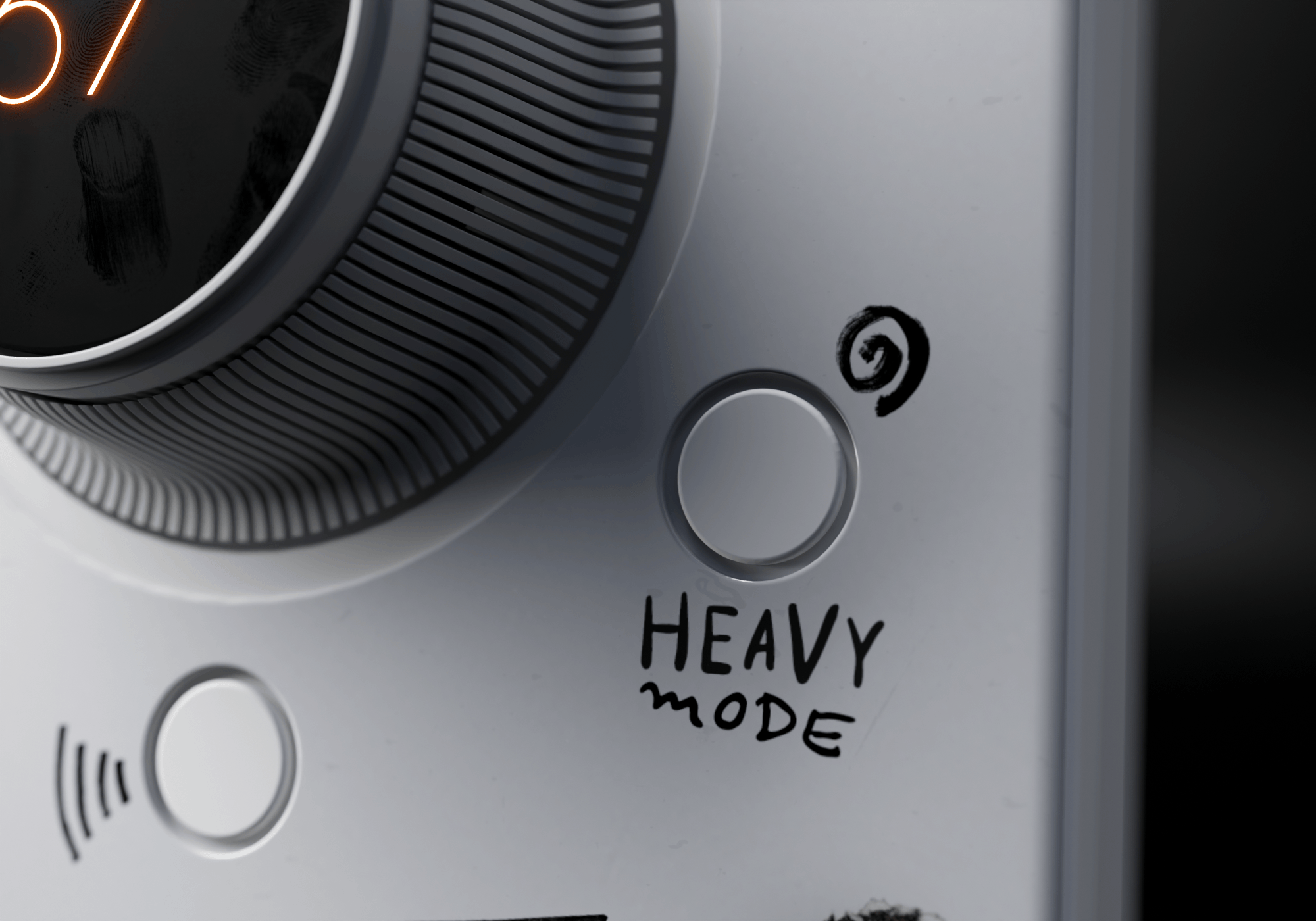
By default, Sssh keeps the de-essing transparent and the vocal upfront. If that's not enough, you can engage Heavy Mode to tame even the harshest S's.
As EASY as 1-2-3
Follow the simpe 3-step workflow.
1. Increase "How often?" and "How much?" both to 100 and activate the "S-Only" mode. 2. Turn the "How often?" knob to the left until you only hear the S sounds and nothing of the actual body of the vocal. 3. Switch the "S-Only" mode off and turn the "How much?" knob until you're happy with the result.
Simple, but EFFECTIVE
Because De-Essing shouldn't feel like rocket science.
Sibilance is annoying. Fixing it shouldn’t be. Sssh gets straight to the point: accurate, transparent de-essing in seconds.
One knob to RULE THEM ALL
You choose what you want to tame.
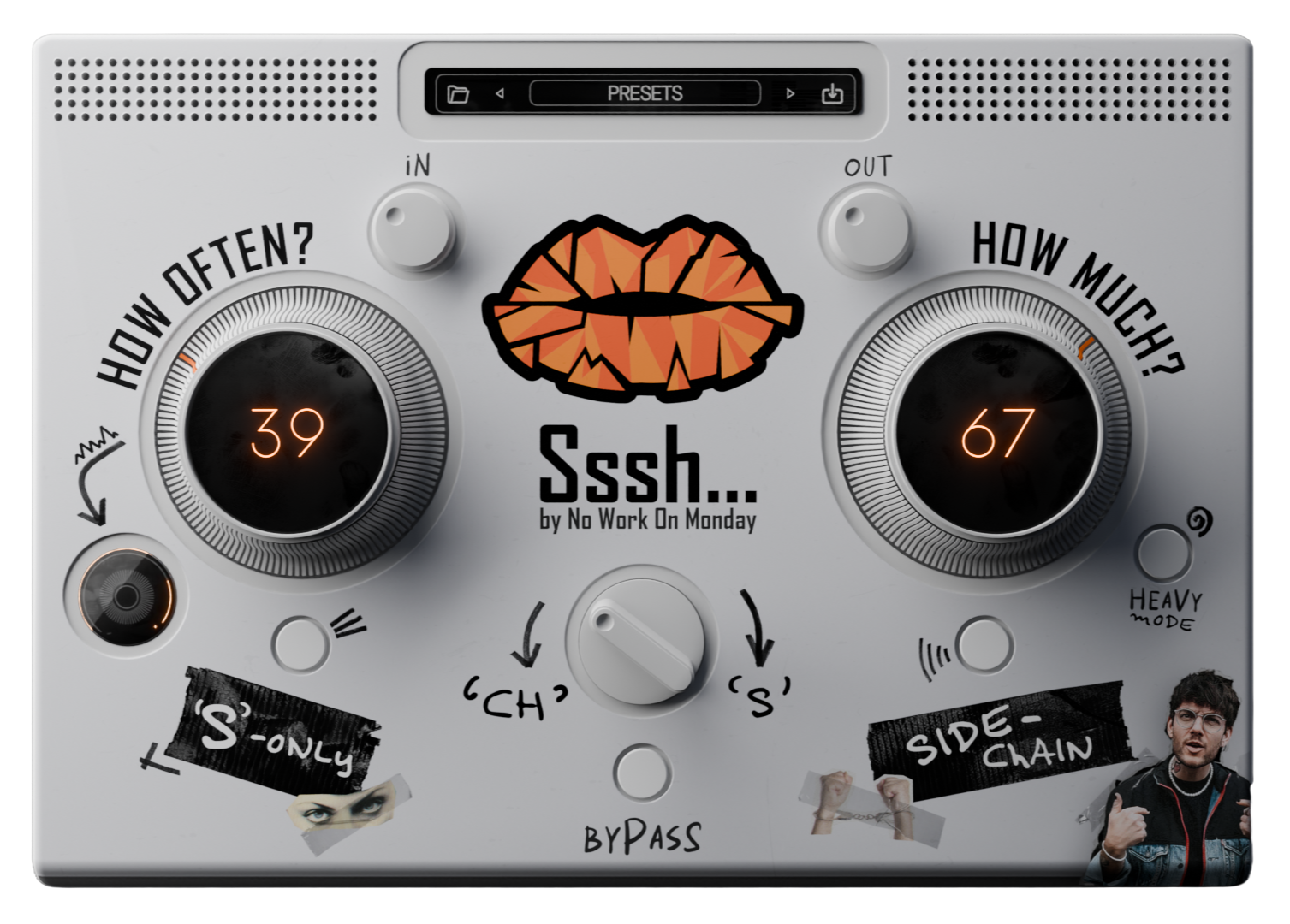
Not every vocal is the same. Sometimes it’s an “S”. Sometimes it’s a “Ch”. Or anything in between. With Sssh, you control what you target with a single knob.
Always ON POINT
Only listen to what the plugin takes away.
With the help of delta mode you can isolate what the plugin is doing. Use it to make sure that you reduce only sibilance and nothing else.
1 device, 2 FLAVORS
Go as heavy as you like.
By default, Sssh keeps the de-essing transparent and the vocal upfront. If that's not enough, you can engage Heavy Mode to tame even the harshest S's.
As EASY as 1-2-3
Follow the simpe 3-step workflow.
1. Increase "How often?" and "How much?" both to 100 and activate the "S-Only" mode.
2. Turn the "How often?" knob to the left until you only hear the S sounds. Then turn of the "S-Only" mode.
3. Turn the "How much?" knob to the left until you're happy with the result.
Supported DAWs
AAX, AU, VST3 versions
64-bit only
Ableton Live 11+ (Mac & PC: AU, VST3)
Bitwig 4+ (Mac & PC: AU, VST3)
Cubase 13+ (Mac & PC: VST3)
Digital Performer 11+ (Mac & PC: AU, VST3)
FL Studio 23+ (Mac & PC: VST3)
Garageband 10+ (AU)
Logic Pro 10+ (AU)
Pro Tools 12+ (Mac & PC: AAX)
Presonus Studio One 5+ (Mac & PC: AU, VST3)
Reaper 6+ (Mac & PC: VST3)
Cakewalk Next by BandLab (PC: VST3)
System Requirements
AAX, VST3, AU versions included
64-bit only (Mac / PC)
Mac OS X 10.15 or higher (Intel native | ARM native)
Windows 10
At least 4GB of RAM, 16GB is recommended
At least 200MB of free drive space (OS drive)